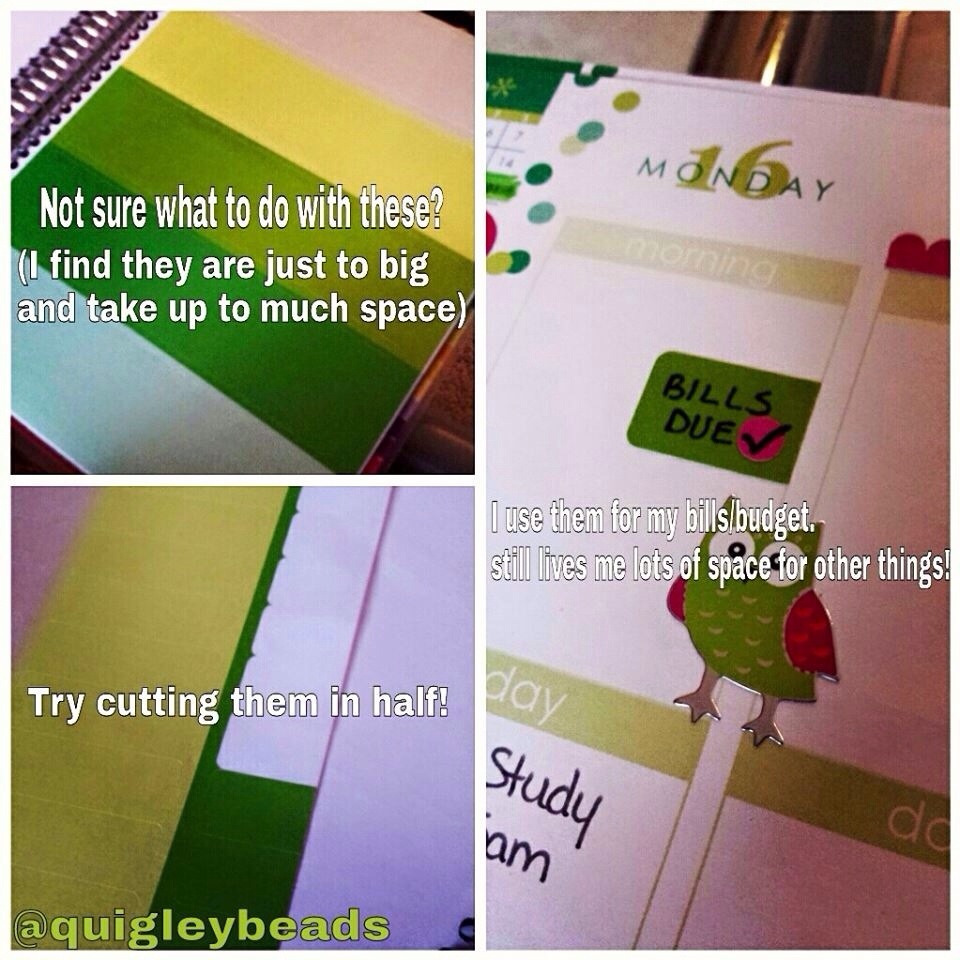
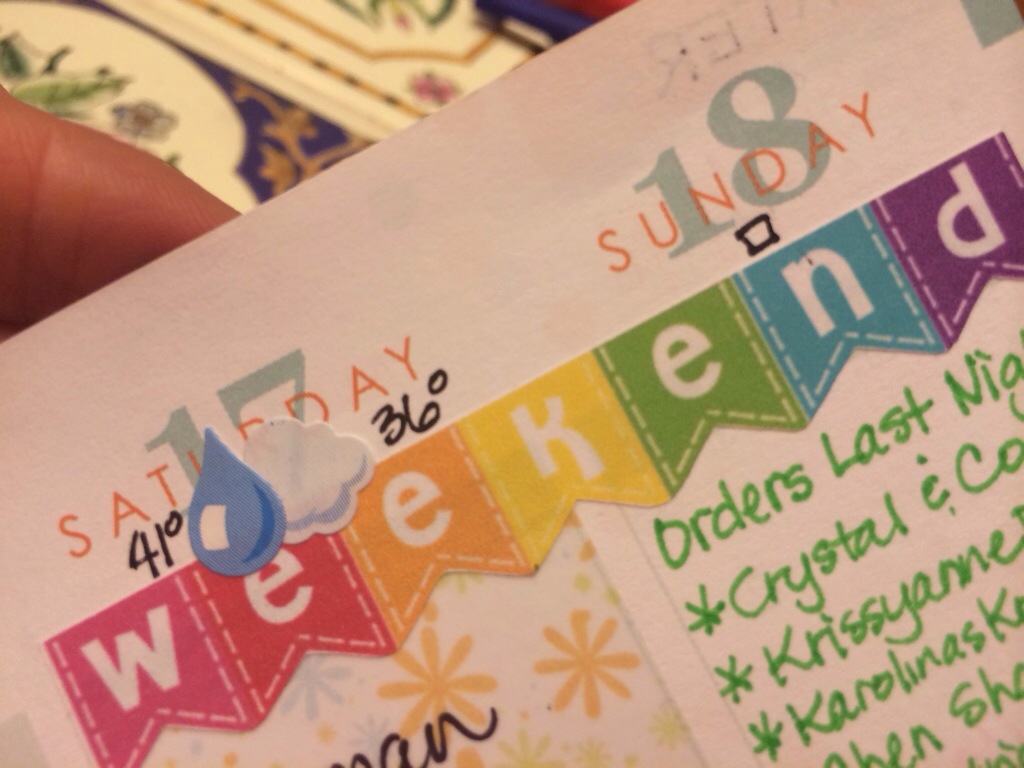
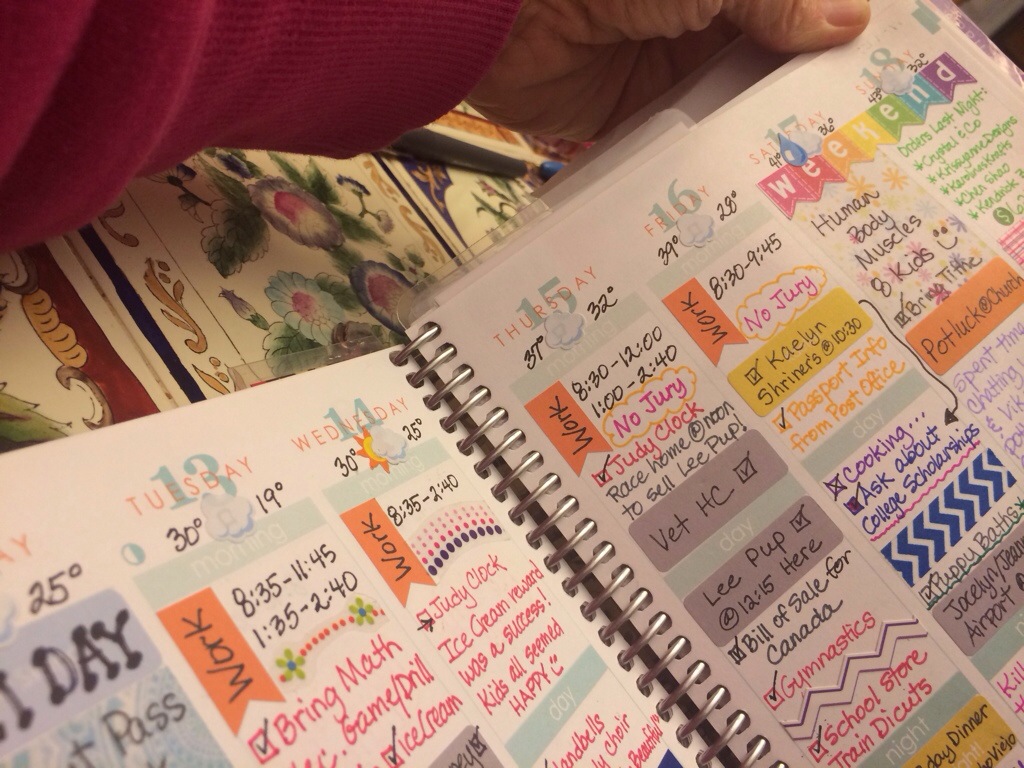
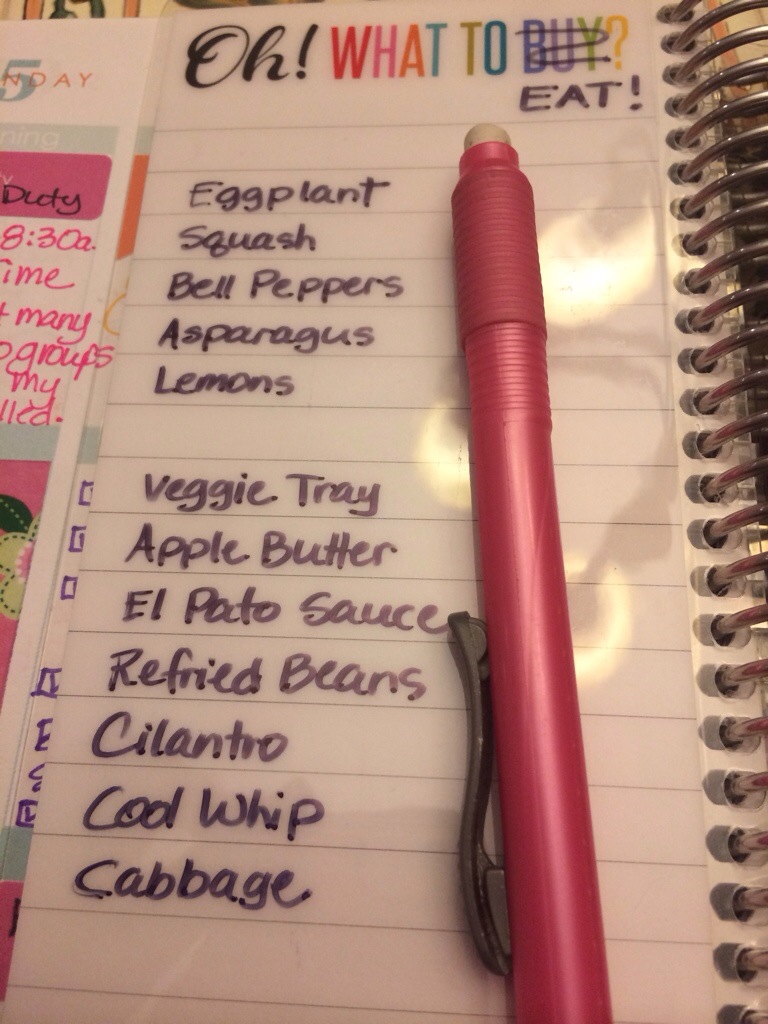
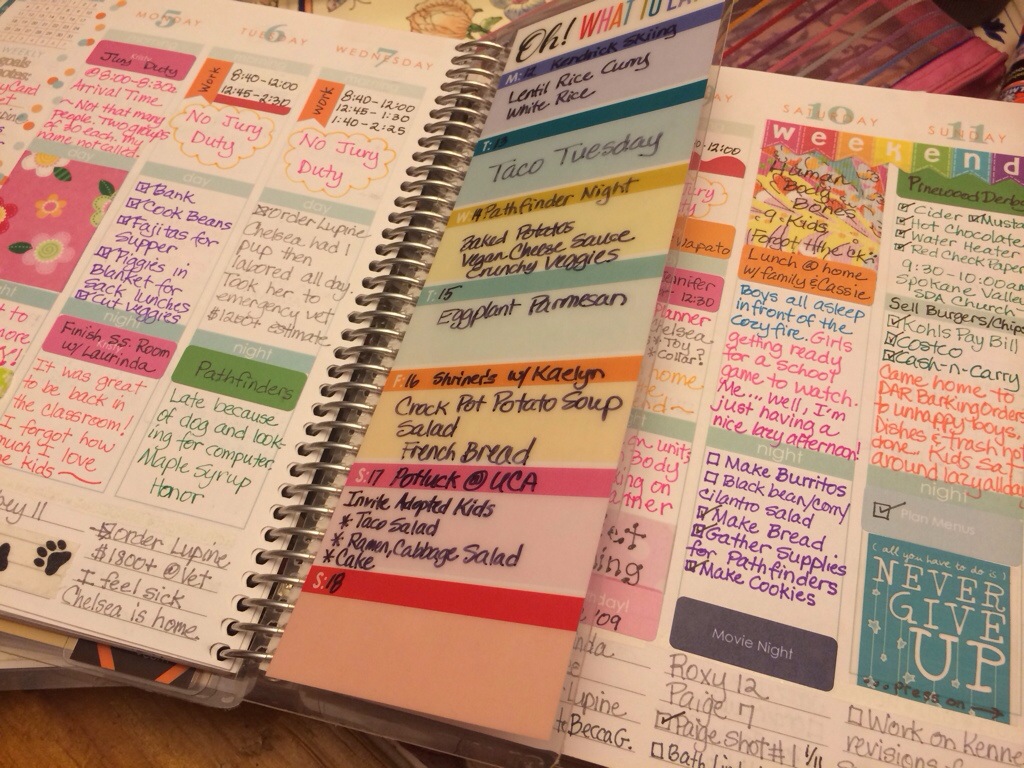
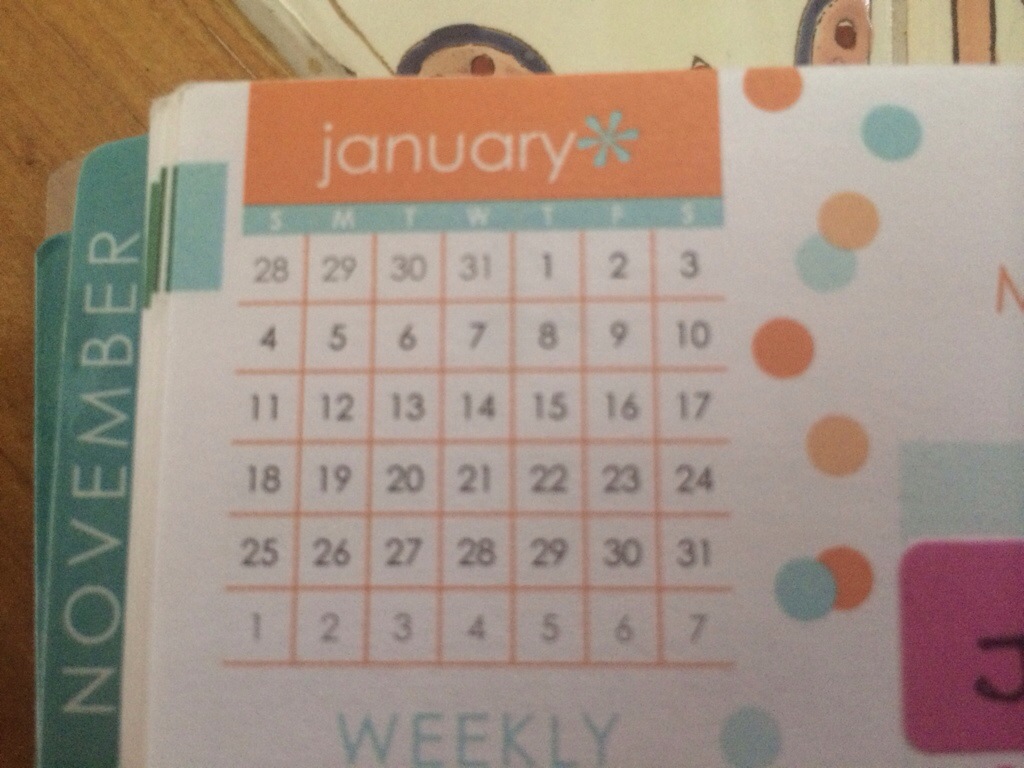
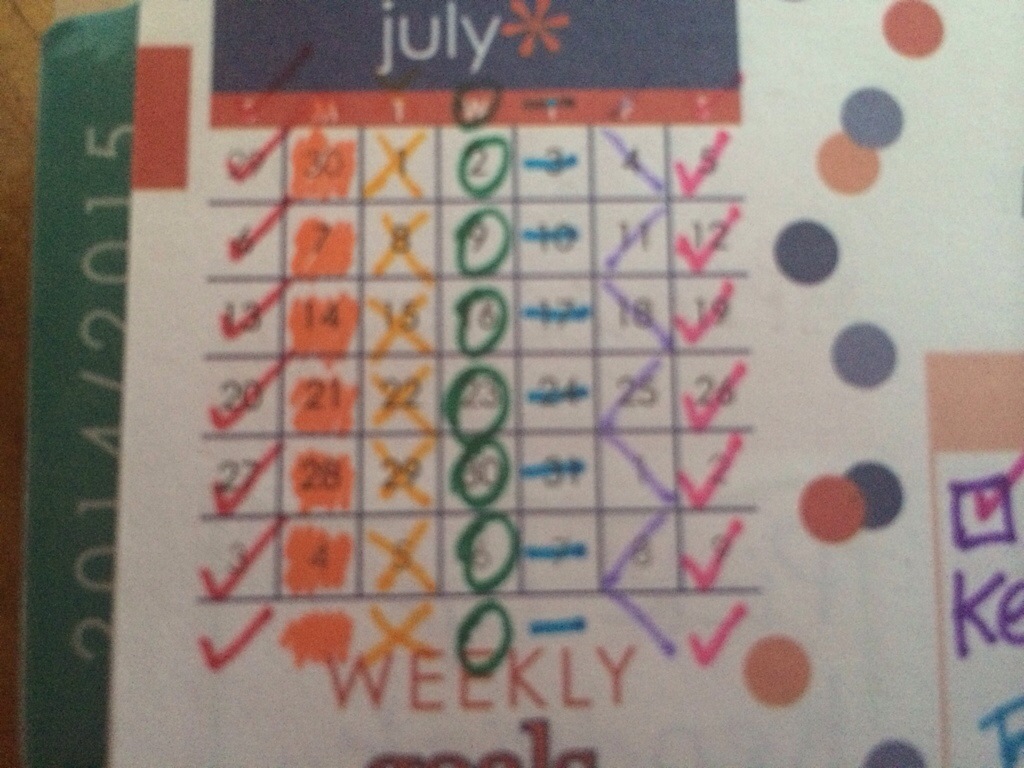
This just seems like something we all should have access to. I snagged it off of FB and that person snagged it off of IG. Will the original owner please raise your hand?!!
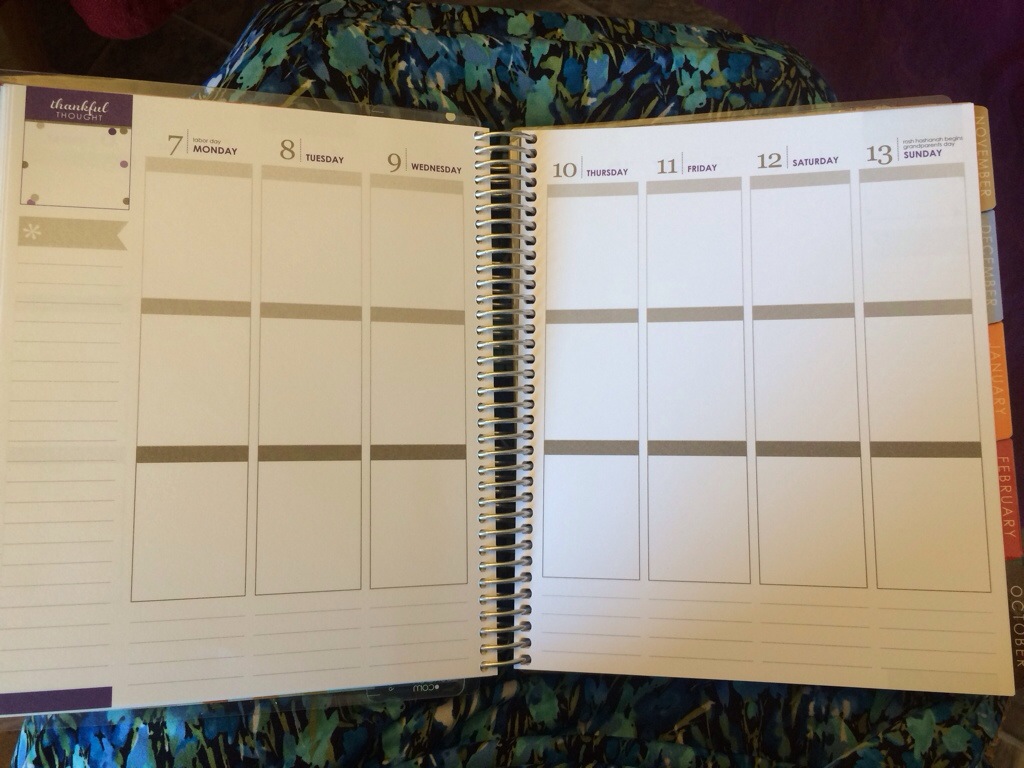
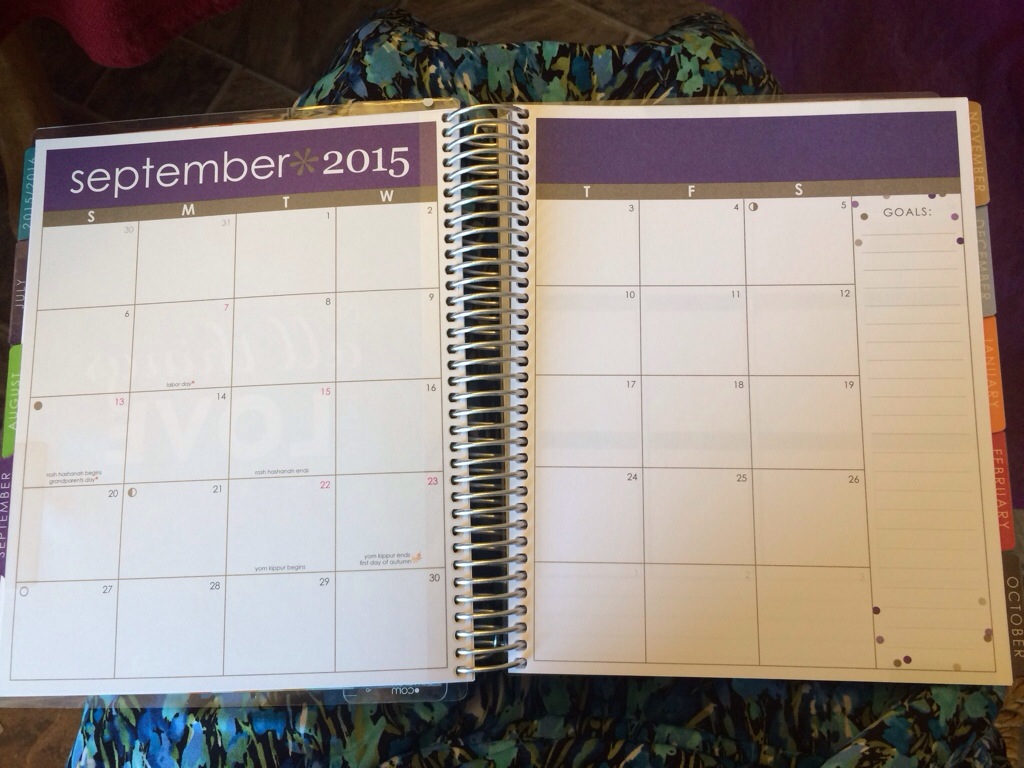
(This is an Erin Condren Life Planner in the Vertical style. I am told the 2015-2016 has the same measurements.)
Author Archives: gracewithouttears
Setting Up My New Planner (Planner Hack #2)
The worst part about getting a new planner is waiting to be able to use it! July 1st can’t come soon enough so I decided to pursue “Plan B”.
Since I took out all the weekly pages for August-December 2016, I thought that just maybe one of those months falls in the same pattern as June 2015, and I was right!
The August 2016 pages have the number dates on the correct week days, so when I took out August, I didn’t just tear it!

I snipped the page along the coil very carefully. It was a while back when I discovered you could remove or add pages into the planner by snipping them carefully and feeding them back into the coil. I like to think that EC got the idea of removable covers from all of us that were already snipping our pages, but I’m sure we will never know.
Then you just carefully place the tiny page tabs that were snipped back into the coil. It’s amazing how strong it still is and I have never had a page come out after doing this.

I inserted my “June” pages before the month of July, and I’m ready to go!!
Now, I can already use my new planner and I don’t mind that my “June” pages are yellow, when June is normally a different color.
I am keeping it ultra simple this year and focusing on using everything from the Erin Condren brand only.
Well, except for the sticky notes!!
If they would ever produce sticky notes, obviously I would buy them and use them too!
I use the sticky note when a date or appointment is not confirmed, or if I am going to journal something but I don’t have time just yet.
These weeks will definitely fill up more, but I am not going to stress this year if there are white spaces. I am waiting for my planner launch bundle to arrive and then I will have a bit more color on my pages with the colored pens. I plan to use the pens for journaling only and my black Pilot G2 0.7 for everything else.
Having a brand new planner is so refreshing! Here is to another awesome year!!
Setting Up My New Planner (Planner Hack #1)
I use my planner over an Academic Year. This means I begin in July and end in June. As the end of June is around the corner, I am busy setting up my new planner so it will be ready for me to use in July. There are a few things I do to get it ready.
The first thing I do is tear out pages. Yep, you read that correctly. Pages get torn out.
Since I only use my planner through the following June or July, I don’t need the weekly pages from August-December of 2016. So I tear them out. But, I leave in the monthly pages.
Doing this accomplishes 2 things. First, it removes bulk I don’t need. Second, it allows for future planning on my monthly spread, which is perfect because I generally don’t need a lot of detail for future events, I only need basic dates and times.
Below is September weekly 2016 pages torn out.
Once they are out, I simply glue the lined page to the back of the previous monthly calendar page. This lets me keep those coveted new line pages.
This is so quick and easy to do. I will admit it was a little hard to tear out perfectly good pages the first time I did it, but now that I’ve done this before, it isn’t so painful.
Next, I’ll show you how I am using my planner now, even before July begins, using some of those pages I just tore out!
Designer Sticker Book *Classic Edition*
Did anyone else notice the words “Classic Edition” on the new sticker book? Might this suggest that there will be more editions to come?
I hope so! I love the new sticker book so much and I want to see what else they have planned in the area of stickers!
Here is a look at all of the pages…
All of the pages sparkle and shine. It is every bit as pretty as everyone has been saying in the videos. I’m thrilled that I already own 2 books and another one is on the way!!
Does everyone else like this too?
My Order Arrived
Erin Condren has stepped up her game!
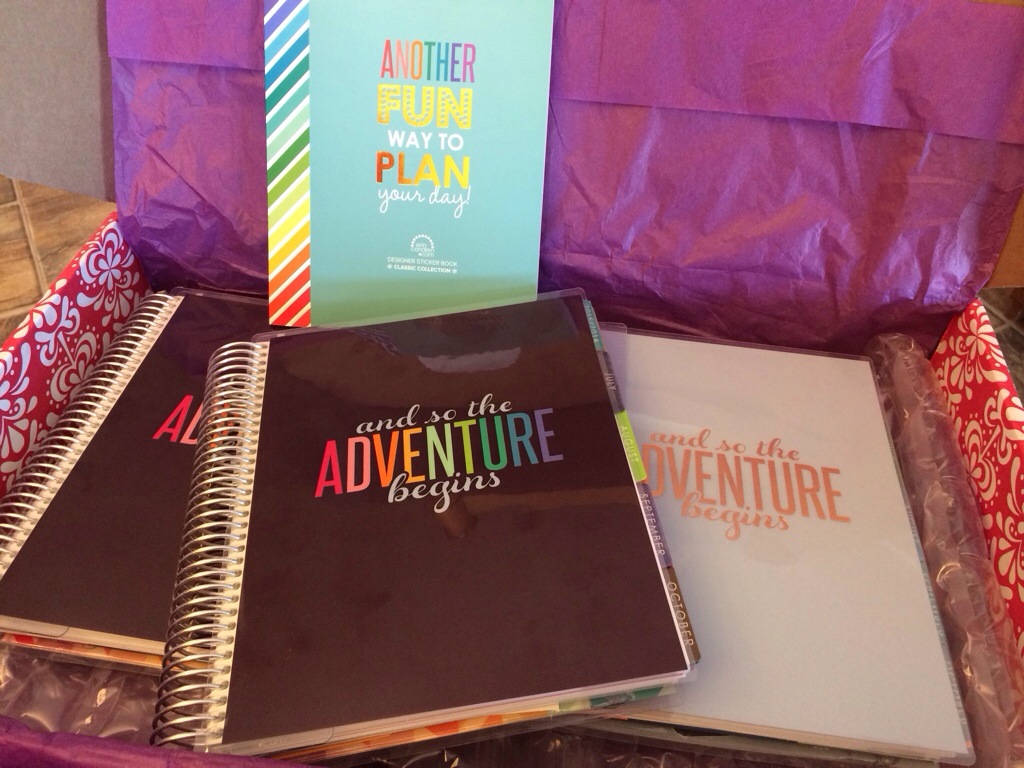
I ordered 3 planners, the Rose Gold in horizontal, a regular horizontal for our business to do lists and daily log, and a vertical for me and our family life. I ordered 2 of the new sticker books as well and hands down, this is the best I’ve ever seen EC do.
The streamlined new version of the vertical is perfect. I thought it looked plain, it doesn’t. I love the familiar color palette and I’ll look forward to September as it does have a color change to it.
The horizontal is so much prettier in person. I didn’t care too much for the colors online, but they are so subtle and smooth in person. They are really pretty.
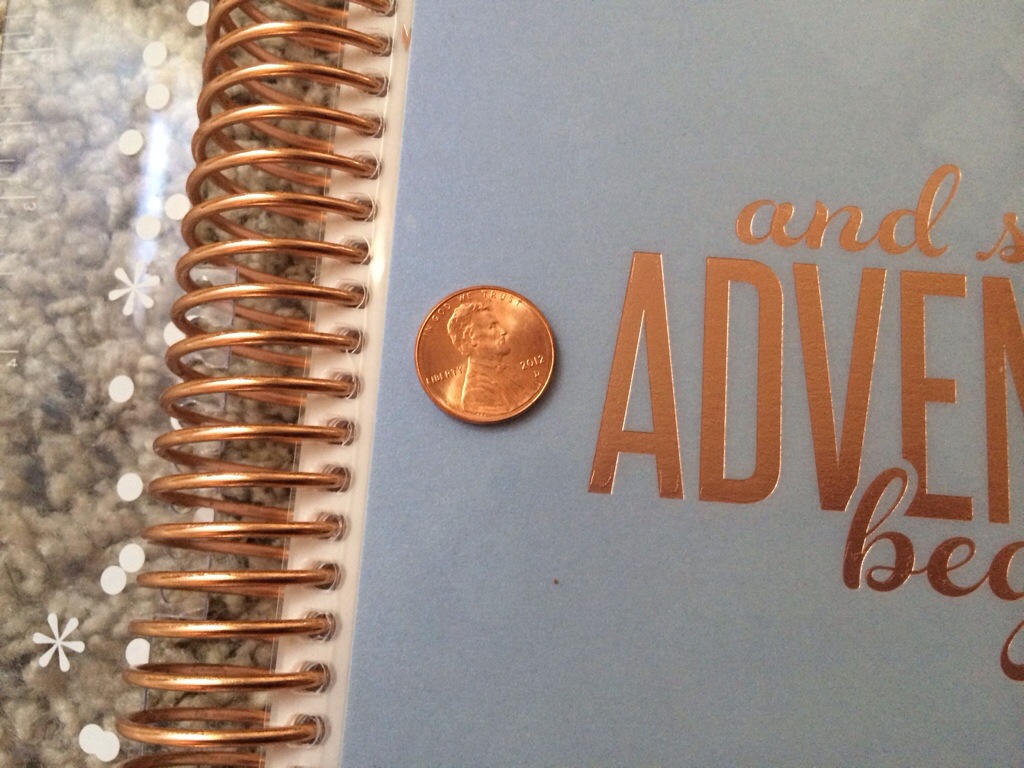
The Rose Gold looks like a shiny new copper penny. I am going to use that planner as a journal.
The sticker book…!! I’m glad I have another one on the way and I already have 2 in this order. The stickers are SOO gorgeous and the variety is amazing (In the next blog post, I will show every page of the new sticker book). I hope they do a lot more of this type of thing because their designers are great and I can tell I will be rationing the use of them because I won’t want to run out!
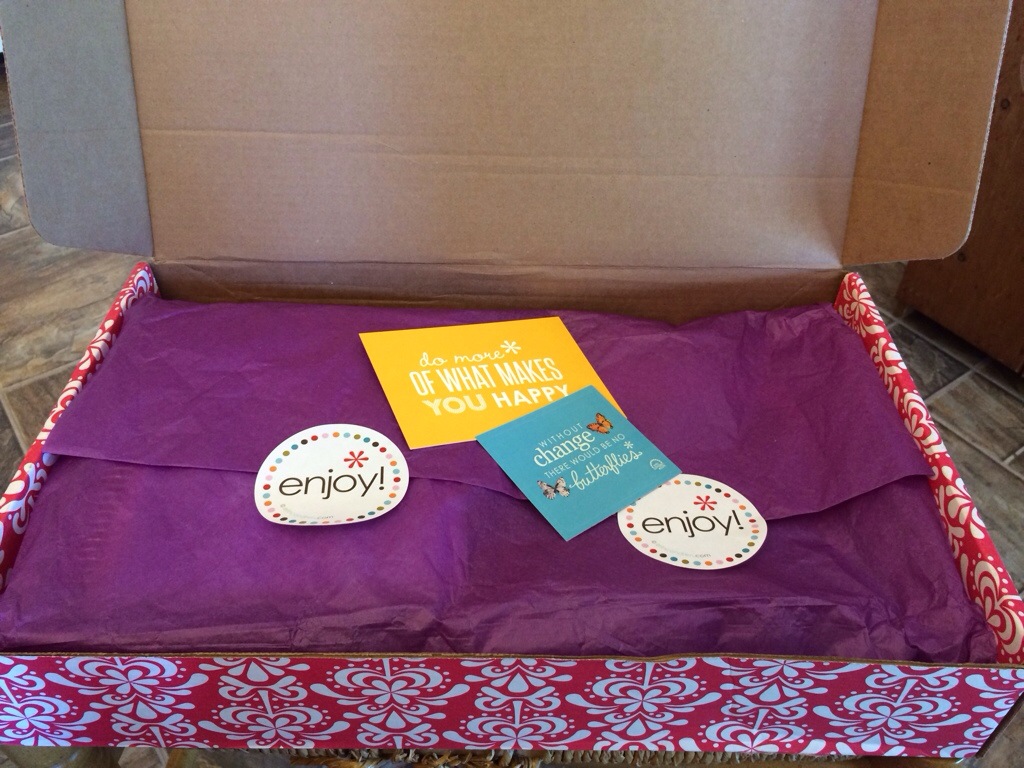
I am super happy. I ordered opening morning and I had my order in my hands by mid Friday. Everything was RTS (ready to ship) with nothing personalized, but that was a genius idea when it was Introduced before. I can’t wait to start using it!
LOVE!
I Ordered!
I am so ready for my new planner!!
I ordered early this morning, an hour before things were officially opened, so I missed out on the FREESHIP code for free shipping with a $100 or more order, but I’m too excited to care too much and I just can’t wait to get the new planners in my hands!
I got both the horizontal and vertical formats of the regular ready to ship planners and I got a horizontal Rose Gold planner. It was just too pretty to pass up and I’ve never splurged before with anything metallic.
I also ordered 2 of the new sticker books and asked for overnight shipping. I’m hoping I will have my items by Friday.
I’m in desperate need of my new planner as my note pages are all used and I need new space for my business addresses.
I’ll be sure to post photos when my box arrives! I’m excited about the new changes and I can’t wait to see the horizontal layout!
So until then…Happy Planning!!
1/2 Event Stickers
Recording The Weather
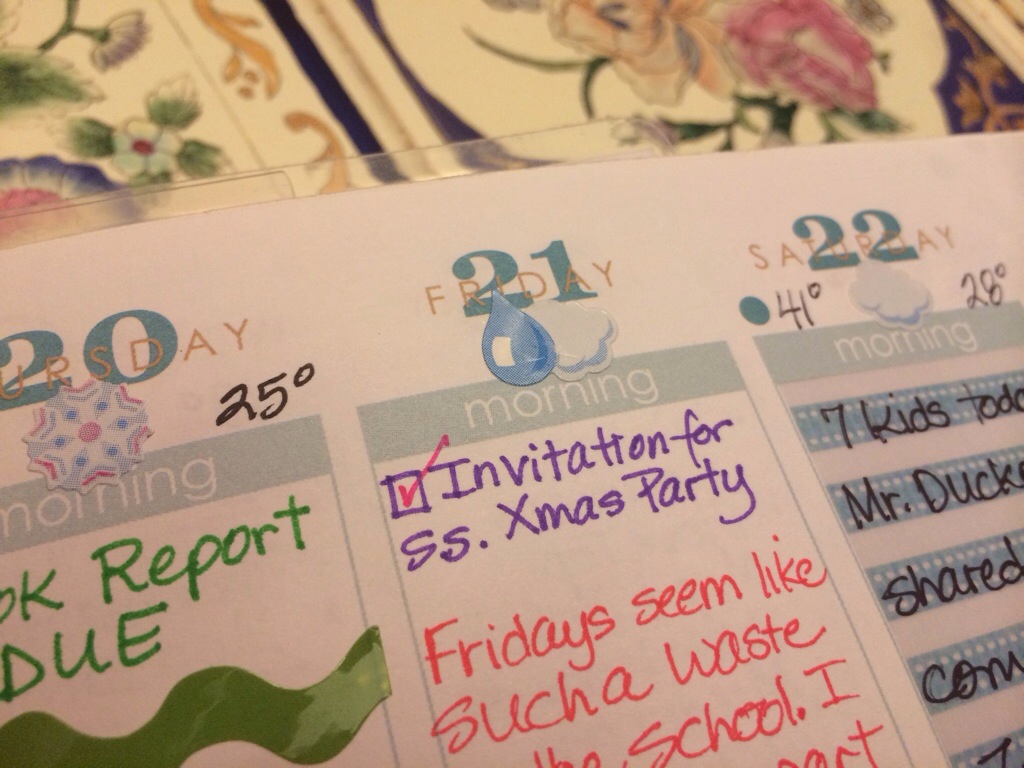
All those little weather stickers are so cute in the planners. Think of the personal Almanac you can create by keeping track of the weather each day.
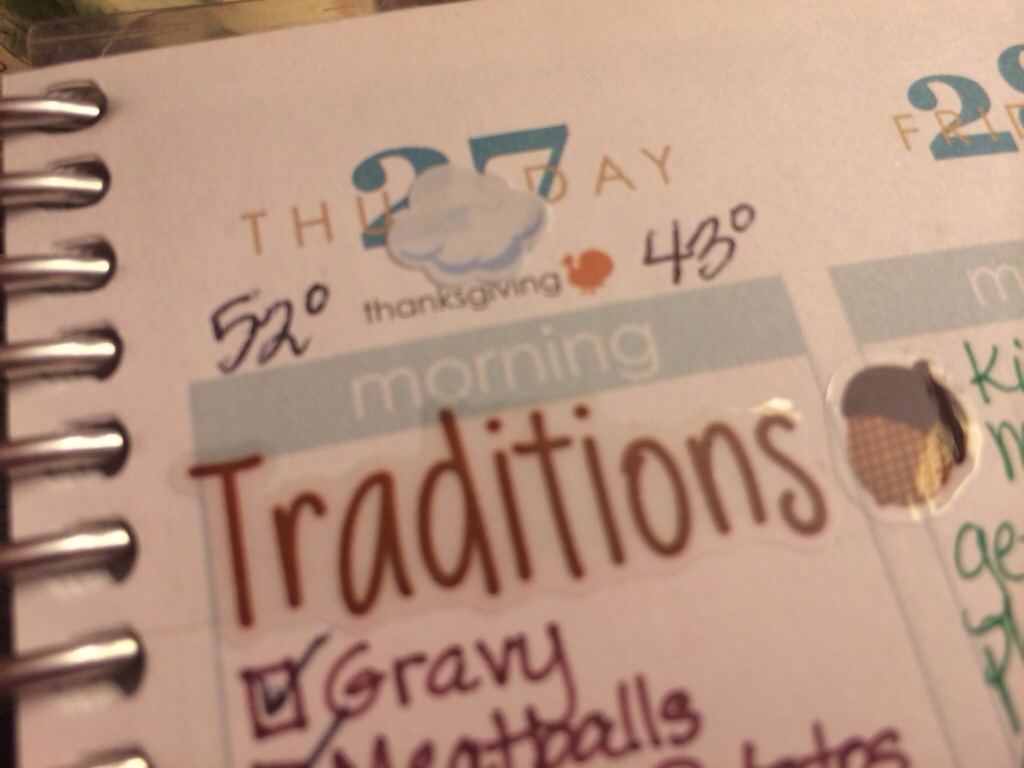
Aww, look! The weather on Thanksgiving day!
But let’s be realistic! It’s super easy for a day to go by and the weather doesn’t even cross your mind.
Or even a whole week can go by…
Or, the sticker gets placed because you can look outside and SEE what is happening, but you forget to check the weather app and write anything down!
This is my solution…
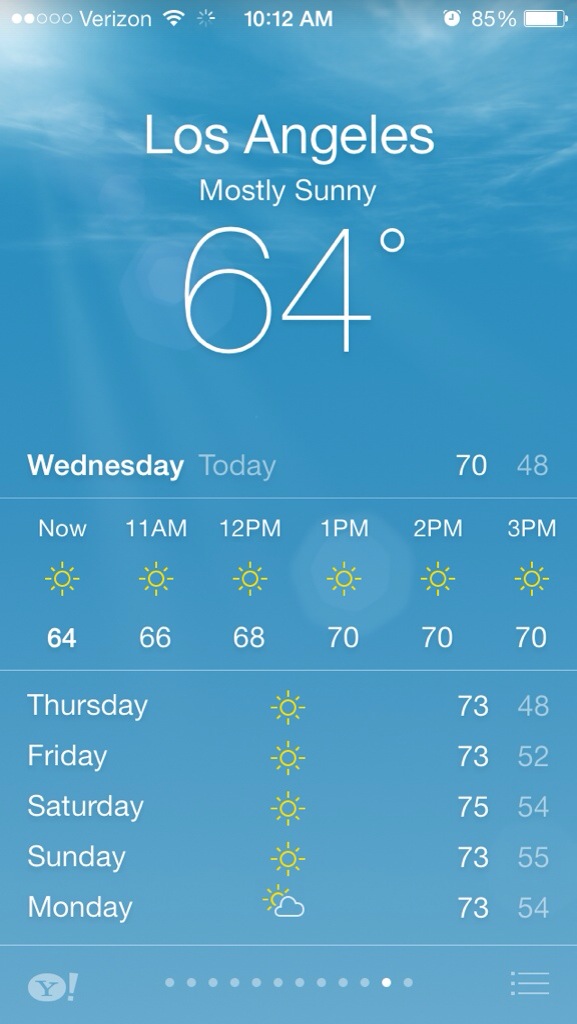
I have an alarm set on my phone at noon each day. When it rings, I open my weather app and take a screen shot.
(I already deleted today’s photo for my cold weather, but found this on my phone from a few days ago. I was dreaming of warmth and sunshine and took this screenshot of LA!)
But back to my reality…after the screenshot, I will put up the sticker and high and low temps later in the day. This allows me to get to it later, even if it’s a couple days. Once I’ve posted the temps, I delete the photo.
I also put a check box where the sticker goes and that reminds me to do it as well.
I love using the weather stickers in my planner, and now, I don’t think any days will be able to sneak by!
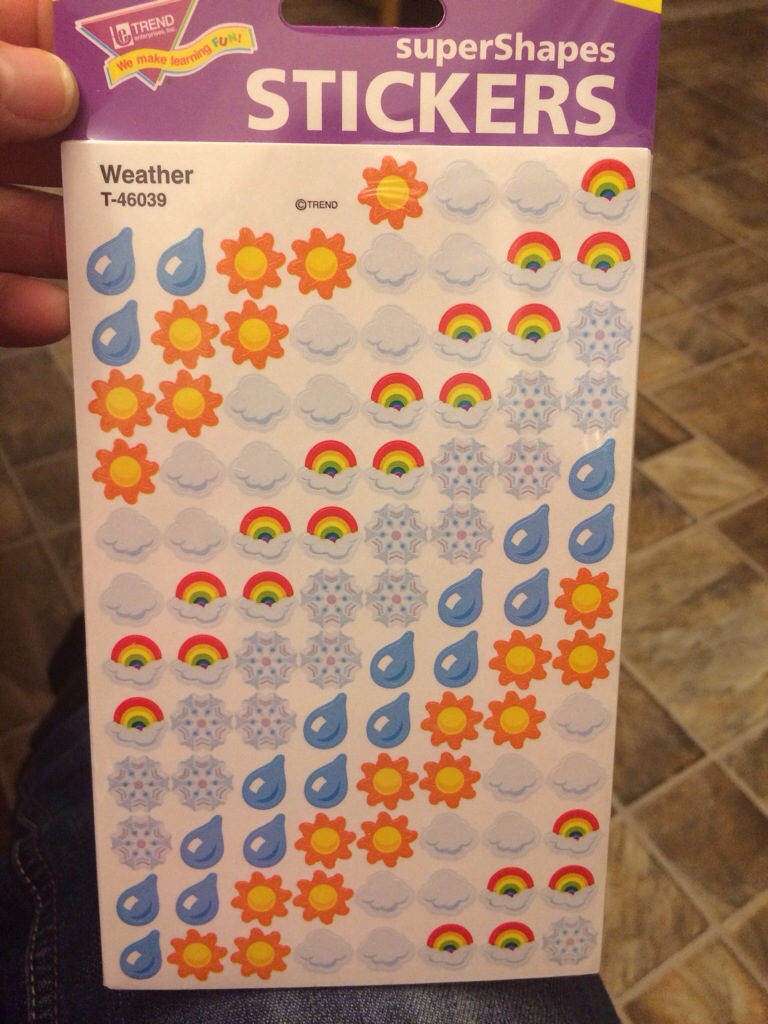
If you are new to the weather stickers, they come with 8 sheets in a pack and they are by Trend Enterprises. I bought mine on Amazon and at my local school supply store.
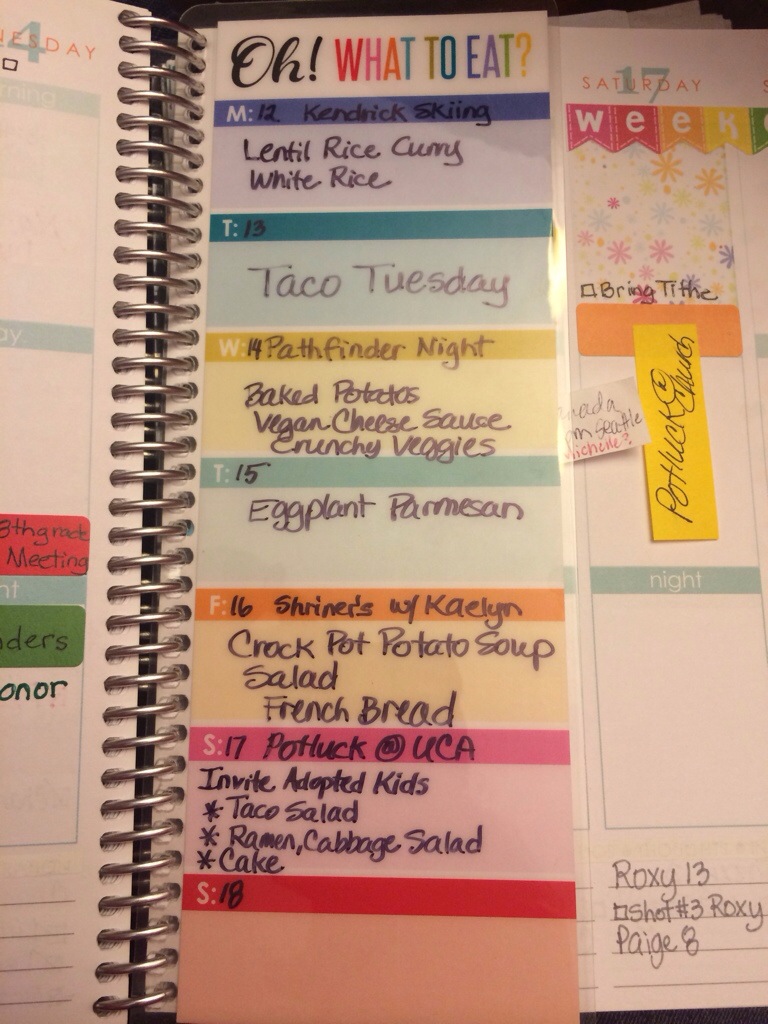
New Menu Planning Bookmark
EC has a few new products and of course I had to order all of them.
The one I’m most excited about is the menu planning bookmark. I got right to work planning our menu for this upcoming week.
EC suggests using a Sharpie to write on the bookmark, so I have used a Sharpie fine point marker. It writes really nicely and dries almost immediately and there is no smearing at all.
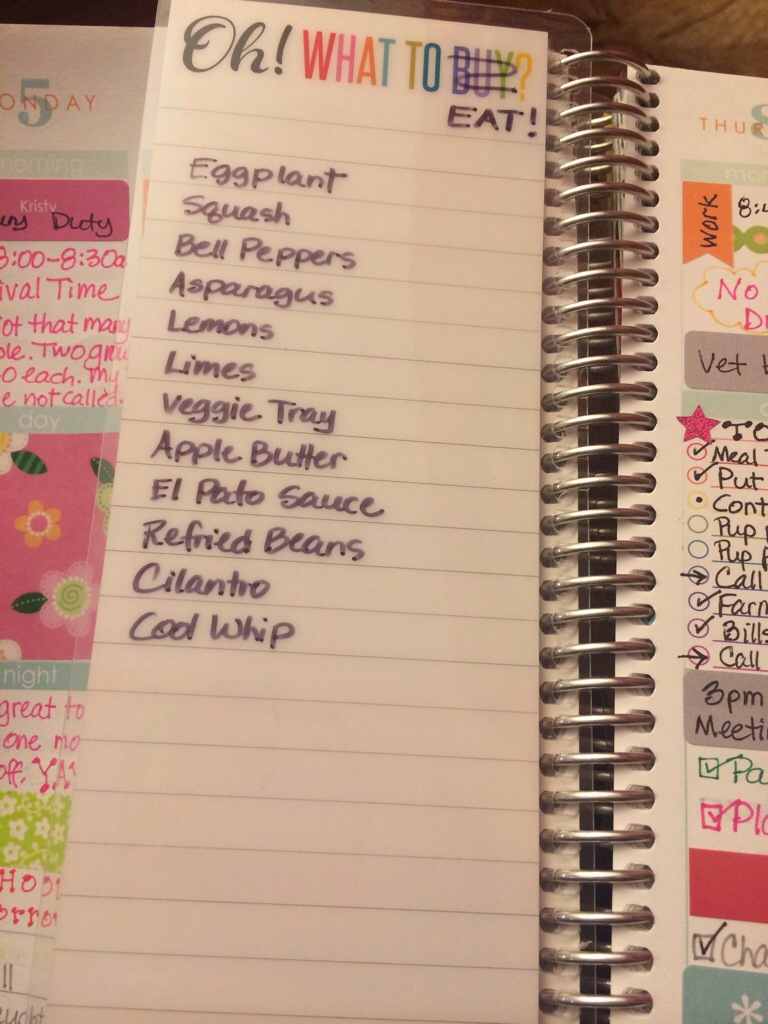
I use the back side of the bookmark to list those things I need to work into our meals, that will go bad in the fridge or on the counter. I have been really bad about food spoiling in the fridge, so I’m hoping having this list will make a difference.
But then there was a problem with removing the ink. I tried using rubbing alcohol and it left an ugly black residue, even after some serious scrubbing. With my list being foods to eat, once we’ve eaten it, I need to be able to remove the food and add something else in it’s place.
I asked in the MyEC groups and got a ton of suggestions, but the one that I like best, and will work best for me is using a simple click eraser stick!
I am able to remove just one line if necessary, and it’s not messy at all!! This will allow me to add and remove things from the list in no particular order, and I have high hopes for this tool in my planner.
I’m using the tiny space, next to each day, to list anything that might require a more special meal, or special event surrounding a meal, just anything that needs more attention for that meal.
I think this is going to be a super useful item in my planning routine, and hopefully we will eat more and spend less in the process!
And it looks super cute in the planner!!
Simple Water Tracking
I’m feeling like I may have stumbled onto a brilliant idea, and it came from my own head! Imagine that!!
I NEVER use this tiny calendar in the top left corner of the weekly spread.
I hate having any space wasted in this planner and now with the menu bookmark, I can truly use it for all areas of my life…personal and family, business (bottom lines are dedicated to that), meals (on the bookmark), but I need a place to track my water intake.
I’ve used the water drop stickers, and while I liked those, adding them on the same spot each day added bulk to my planner and if I failed one day to drink any water, I hated wasting a sticker as I would already have the sticker on the weekly column. I also don’t have space for a water sticker each day, or rather I don’t want to dedicate a sticker’s worth of space for just that.
Well, I just had this idea and I think I love it. I used an old box to do a mock up, and I used different marks to see which one I might like best. I worked down, so each day accounts for itself, and I used the letter of the day on top and put an extra mark below to make space for my “8 cups”.
I think this is going to work! I wish I had tried drawing little hearts too, but with what I tried, I think I like the tiny checkmarks and the zig zag line best.
I love that this won’t add bulk, it’s already there, and this seems super easy to maintain!!
I love simple and easy!